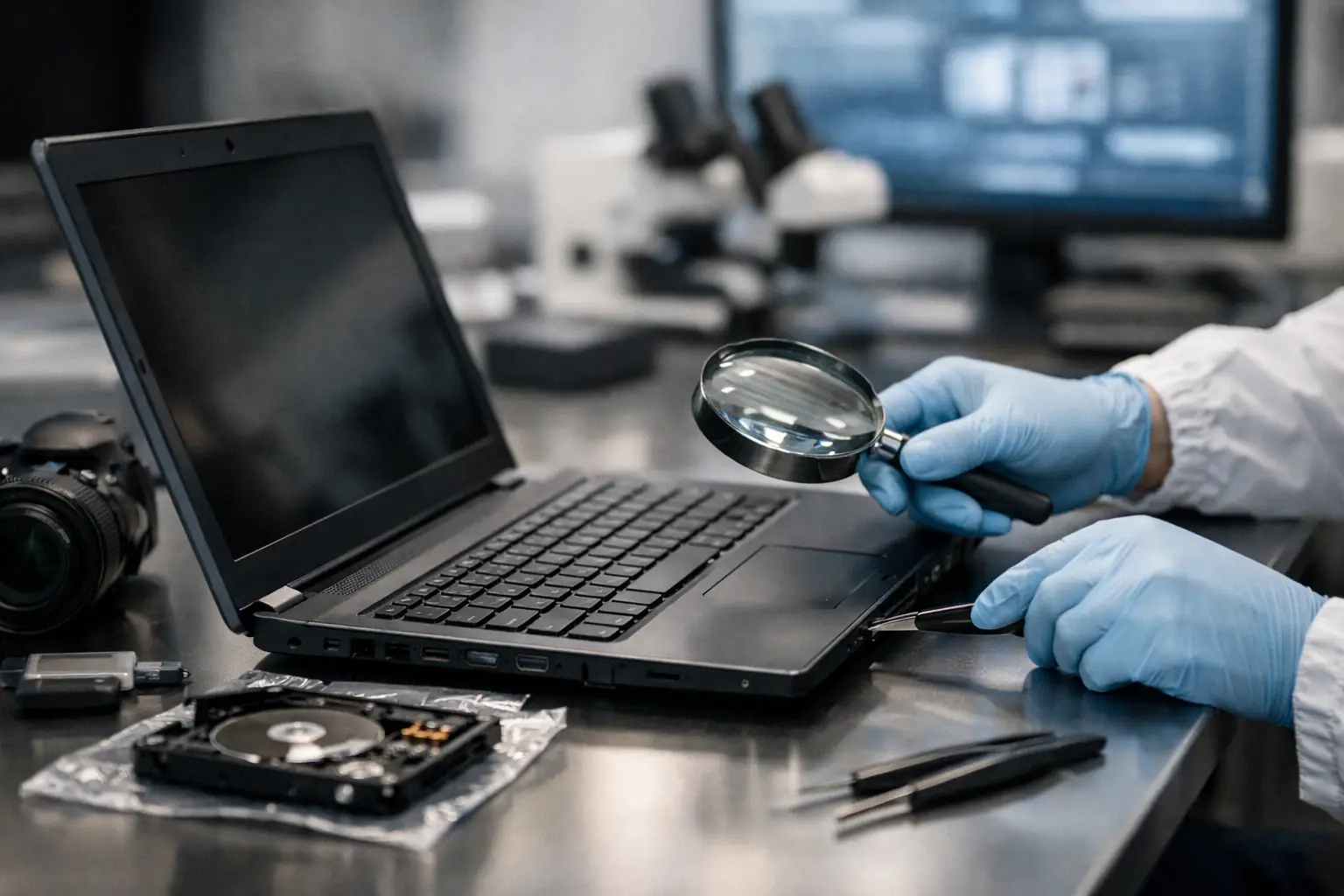
A laptop can hold the timeline that decides a case. One login, one deleted folder, one artefact from a web browser or chat application can corroborate a witness account or undermine it completely. That is why a guide to forensic laptop examination must begin with a simple point: this is not ordinary IT work. It is an evidential process designed to preserve, recover, analyse and present digital material in a way that can withstand legal scrutiny.
For solicitors, businesses and private clients, the stakes are rarely technical alone. They are procedural, reputational and often urgent. A badly handled device may still contain useful data, but if acquisition, continuity or interpretation are flawed, that data can become difficult to rely upon when challenged.
What forensic laptop examination is really for
A forensic laptop examination is conducted to establish facts from a computer without altering the underlying evidence. In practice, that may involve identifying who used the device, when it was accessed, what files existed, whether material was deleted, what external media were connected, whether internet activity took place, and whether there are signs of exfiltration, concealment or compromise.
The purpose depends on the case. In civil litigation, the issue may be disclosure, document provenance or employee misconduct. In criminal matters, the focus may be user activity, communications, indecent image investigations, fraud or timeline reconstruction. In matrimonial or private disputes, the question may be whether data exists at all, whether it was removed, or whether alleged activity is consistent with the device evidence.
The key point is that the examiner is not there to speculate. The role is to test, verify and document findings with independence and procedural discipline.
Guide to forensic laptop examination: the first stage is preservation
The first decision often determines the value of the entire exercise. If a laptop is switched on, used casually, searched manually or connected to a network without a plan, artefacts may change. Timestamps can update. Temporary files may be overwritten. Cloud synchronisation may alter the local state. Encryption may also complicate matters if the wrong steps are taken too early or too late.
Preservation starts with control. The examiner records the condition of the device, labels it, documents who supplied it, and maintains chain of custody from the outset. That continuity matters in both court and internal investigations because it helps show that the evidence has been handled properly and can be traced at each stage.
Whether the laptop should remain powered on depends on the circumstances. If the machine is live and encrypted, there may be value in capturing volatile data or preserving access before shutdown. If there is no immediate benefit in a live examination, a controlled power-down and forensic imaging process may be the safer route. This is one of the clearest examples of where the answer is not always the same. Sound forensic judgement matters.
Why forensic imaging matters
A proper forensic examination is usually conducted on a forensic image, not on the original laptop drive wherever that is possible. A forensic image is a bit-for-bit copy created with tools and methods designed to preserve evidential integrity. Hash values are generated to demonstrate that the acquired data matches the source at the point of capture.
That process protects the original evidence while giving the examiner a verifiable working copy. It also supports repeatability. If findings are challenged, the image can be reviewed again, and another examiner should be able to inspect the same dataset.
What a forensic examiner looks for on a laptop
Laptop examinations are rarely about one file alone. The value usually comes from correlation across artefacts. A deleted document may matter far more when viewed alongside USB connection records, browser history, recent file lists, cloud sync traces and user logins.
The scope of analysis may include file system structure, deleted data, user accounts, internet usage, installed applications, email stores, chat data, document metadata, external device history, network traces, print activity and system logs. In some cases, keyword searching and targeted date filtering are central. In others, the examiner is reconstructing a sequence of events minute by minute.
Modern laptops also create forensic complexity because so much user activity extends beyond the local device. A local folder may be only a cache of cloud-hosted material. Messages may exist partly on-device and partly in synchronised services. Browser sessions may point to accounts, downloads, transfers or remote access activity that require wider investigation. A laptop often acts as the hub rather than the whole evidential picture.
Deleted does not always mean gone
Clients often ask whether deleted material can be recovered. Sometimes yes, sometimes no, and the answer depends on timing, storage type, system activity and what happened after deletion.
On older systems or certain forms of storage, deleted artefacts may remain recoverable in whole or in part. On newer solid-state drives, recovery can be less straightforward because of how data is managed internally. Even where a deleted file itself cannot be restored, traces of its existence may still be found through metadata, link files, thumbnails, application records or sync logs. That can still be evidentially significant.
The important distinction is between recovering content and proving activity. A case does not always require the full file if surrounding artefacts establish that the file existed, was accessed, was moved or was transmitted.
The legal and evidential standard behind laptop forensics
A guide to forensic laptop examination is incomplete without the legal context. For legal professionals, the technical findings only matter if they can be presented clearly, sourced properly and defended under scrutiny.
That means the examination should be proportionate to the issues, documented carefully and limited by a defined scope. Over-collection can create privacy and disclosure complications. Under-collection can leave important questions unanswered. The right approach depends on the allegations, the time period, the user profile, privilege issues and the intended use of the findings.
Impartiality is equally important. A forensic examiner is not an advocate dressed as a technician. The duty is to the evidence. Findings should be transparent, reproducible where possible, and framed with appropriate caution. Where an artefact supports more than one interpretation, that should be stated plainly. Courts and investigators tend to place greater weight on evidence that is measured rather than overstated.
Reporting for court, investigation or settlement
A laptop examination is only as useful as the report that follows it. A technically correct analysis can still fail its purpose if the reporting is unclear.
Good reporting explains what was received, how it was preserved, what methods were used, what was found and what limits apply to the findings. It distinguishes observed facts from expert interpretation. It sets out timeline evidence in a way that a solicitor, barrister or decision-maker can actually use.
In many matters, the report also needs to anticipate challenge. If there are gaps in data, uncertainty around attribution, or alternative explanations for a pattern of activity, those issues should be dealt with directly. That does not weaken the report. It strengthens it.
Common mistakes that damage laptop evidence
Many evidential problems begin before a forensic expert is instructed. Well-meaning internal IT teams may boot the machine to have a look. A family member may search folders manually. A manager may ask for files to be copied off before preserving the device. Each of those steps can alter evidence and open the door to avoidable disputes.
Another frequent problem is delay. The longer a matter is left, the greater the risk that relevant data will be overwritten, accounts changed, passwords lost or linked services altered. Speed matters, but so does control. Urgent handling should still be forensic handling.
There is also the issue of scope. A client may ask for “everything” from a laptop, but that is not always sensible or proportionate. A focused examination tied to specific allegations, date ranges and user actions is often more efficient and more defensible.
When to instruct a specialist
The right time to instruct a forensic specialist is usually earlier than clients expect. If there is a dispute about device use, suspected deletion, data theft, policy breach, cyber intrusion or document provenance, early advice can preserve options that may later disappear.
This is particularly true where encryption, cloud services, multiple users or contested allegations are involved. It is also true where the findings may ultimately be disclosed in court or relied upon in witness evidence. At that stage, the quality of acquisition and reporting is not a technical detail. It becomes central to the weight of the evidence.
Computer Forensics Lab approaches laptop examinations with that reality in mind: preserve first, analyse carefully, report clearly, and keep the evidential record capable of standing on its own.
A laptop rarely tells its story in one place. It tells it in fragments – timestamps, artefacts, usage traces and absences that matter as much as what remains. The value of a proper forensic examination is that those fragments are handled with the care required to uncover the truth without compromising it.