
When critical evidence vanishes from a hard drive or cloud account, the difference between conviction and acquittal can hinge on advanced data recovery. Legal professionals in London know that every cybercrime case carries unique risks, from data breaches to system failures. Mastering forensic preparedness and evidence integrity lets you approach each investigation methodically, ensuring crucial information is recovered, preserved, and able to withstand scrutiny in court.
Table of Contents
- Step 1: Assess The Data Loss Scenario
- Step 2: Prepare Forensic Recovery Environment
- Step 3: Utilise Advanced Recovery Tools
- Step 4: Verify And Secure Recovered Data
Quick Summary
| Key Point | Explanation |
|---|---|
| 1. Assess Data Loss Circumstances | Understand the type of data loss and affected systems to tailor recovery strategies. |
| 2. Establish a Chain of Custody | Document every action taken during assessment to preserve evidence integrity for legal scrutiny. |
| 3. Prepare a Forensic Environment | Design a dedicated, controlled workspace to prevent evidence contamination during recovery processes. |
| 4. Use Advanced Recovery Tools | Select validated tools tailored for your data type to enhance recovery success and ensure legal compliance. |
| 5. Verify and Secure Recovered Data | Confirm data integrity with hash checks; ensure secure storage to maintain admissibility in legal proceedings. |
Step 1: Assess the Data Loss Scenario
Before you can recover deleted data for legal investigations, you need a clear picture of what happened. Assessing the data loss scenario means understanding the circumstances, affected systems, and potential legal implications. This initial evaluation shapes your entire recovery strategy.
Start by documenting the type of data loss that occurred. Was this accidental deletion, intentional destruction, or data corruption from a technical failure? Different causes require different recovery approaches. A user accidentally deleting files from a laptop differs markedly from a server malfunction affecting multiple users.
Next, identify which systems were affected. You might be dealing with a single computer, multiple workstations, cloud storage, mobile devices, or networked servers. The scope determines whether you need to assess just one device or coordinate recovery across an entire infrastructure.
Document the timeline carefully:
Here’s a comparison of common data loss causes and their unique recovery considerations:
| Data Loss Cause | Recovery Challenge | Legal Consideration |
|---|---|---|
| Accidental Deletion | Files often still recoverable | Must show no intent; preserve logs |
| Intentional Destruction | Data may be overwritten deliberately | Prove motive, ensure chain of custody |
| Hardware Failure | May require specialist tools | Preserve original device integrity |
| Malware or Unauthorised Access | Data may be encrypted or stolen | Assess breach reporting requirements |
| Technical Corruption | Corrupted data structure complicates recovery | Establish fault source, maintain audit trails |
- When the data loss occurred
- When it was discovered
- Any actions taken between discovery and your assessment
- Previous backups or data preservation efforts
Understanding data breach risks and system vulnerabilities helps you identify whether external factors such as malware, unauthorised access, or hardware failure triggered the loss. This distinction matters enormously in litigation.
Assess the legal and contractual context as well. What data regulations apply—GDPR, data protection legislation, or industry-specific rules? Are there contractual obligations between parties that define responsibilities for data preservation? These factors affect your recovery priorities and evidence handling procedures.
Also consider whether the data is still accessible or partially corrupted. Sometimes deleted files remain recoverable on the storage device itself. Other times, overwriting or physical damage creates genuine barriers. Test the affected device carefully without altering it further.
Your initial assessment directly influences whether data recovery is technically feasible and legally compliant for litigation purposes.
Finally, establish a chain of custody from the moment you begin assessment. Document who accessed the device, when, and what actions were performed. This is non-negotiable for legal investigations.
Pro tip: Photograph and document the physical state of devices before touching anything—power status, visible damage, connected peripherals—because these details often matter more than you expect in court testimony.
Step 2: Prepare Forensic Recovery Environment
Preparing your forensic recovery environment is where theory meets practice. This step determines whether your investigation succeeds or fails, because the environment you create must protect evidence integrity whilst enabling reliable data recovery. Getting this right demands careful planning and strict adherence to protocols.
Start by designating a dedicated forensic workspace that isolates recovered data from potential contamination. This space should be physically separate from standard office areas, with controlled access and documented visitor logs. Only authorised personnel with proper training should enter this environment.
Next, establish evidence handling procedures before you begin any recovery work. Document chain of custody protocols, define who can touch devices and when, and create a log system for tracking every action taken. These procedures aren’t bureaucratic overhead—they’re what make your evidence legally admissible in court.
Set up your recovery hardware carefully:
- Use write-protected devices when connecting storage media
- Employ forensically validated tools that generate audit trails
- Keep isolated networks with no external connectivity
- Maintain backup power supplies to prevent interruptions
Ensuring proper evidence handling procedures and data authenticity protects your investigation from challenges about evidence integrity. Trained cybersecurity experts recognise that preparation prevents problems later.
Configure your systems to operate in read-only mode whenever possible. Create forensic images of original devices rather than working directly on them. This prevents accidental modification and preserves the pristine original for independent verification.
Document your environment configuration thoroughly. Photograph the setup, record software versions, note hardware specifications, and create baseline records before processing begins. These details prove your environment maintained proper standards throughout recovery.
A properly prepared forensic environment prevents inadvertent evidence contamination and establishes credibility before legal challenges arise.
Also establish monitoring and logging mechanisms that capture all actions performed during recovery. These audit trails become crucial supporting documentation during expert testimony.
Pro tip: Validate your entire setup with test data first—never use it for actual evidence recovery until you’ve confirmed every tool functions correctly and generates expected audit trails.
The following table summarises essential forensic recovery environment features:
| Requirement | Purpose | Litigation Benefit |
|---|---|---|
| Dedicated Workspace | Prevents cross-contamination | Demonstrates evidence protection |
| Write-Protection Hardware | Stops accidental modification of evidence | Preserves original state |
| Isolated Network | Disconnects from external threats | Proves security during analysis |
| Chain of Custody Logs | Tracks access and handling of evidence | Prevents disputes over tampering |
Step 3: Utilise Advanced Recovery Tools
Advanced recovery tools separate skilled forensic investigators from amateurs. These specialised applications can retrieve data that standard methods miss, reconstruct fragmented files, and analyse storage media at the sector level. Selecting and using the right tools directly impacts your case’s success.
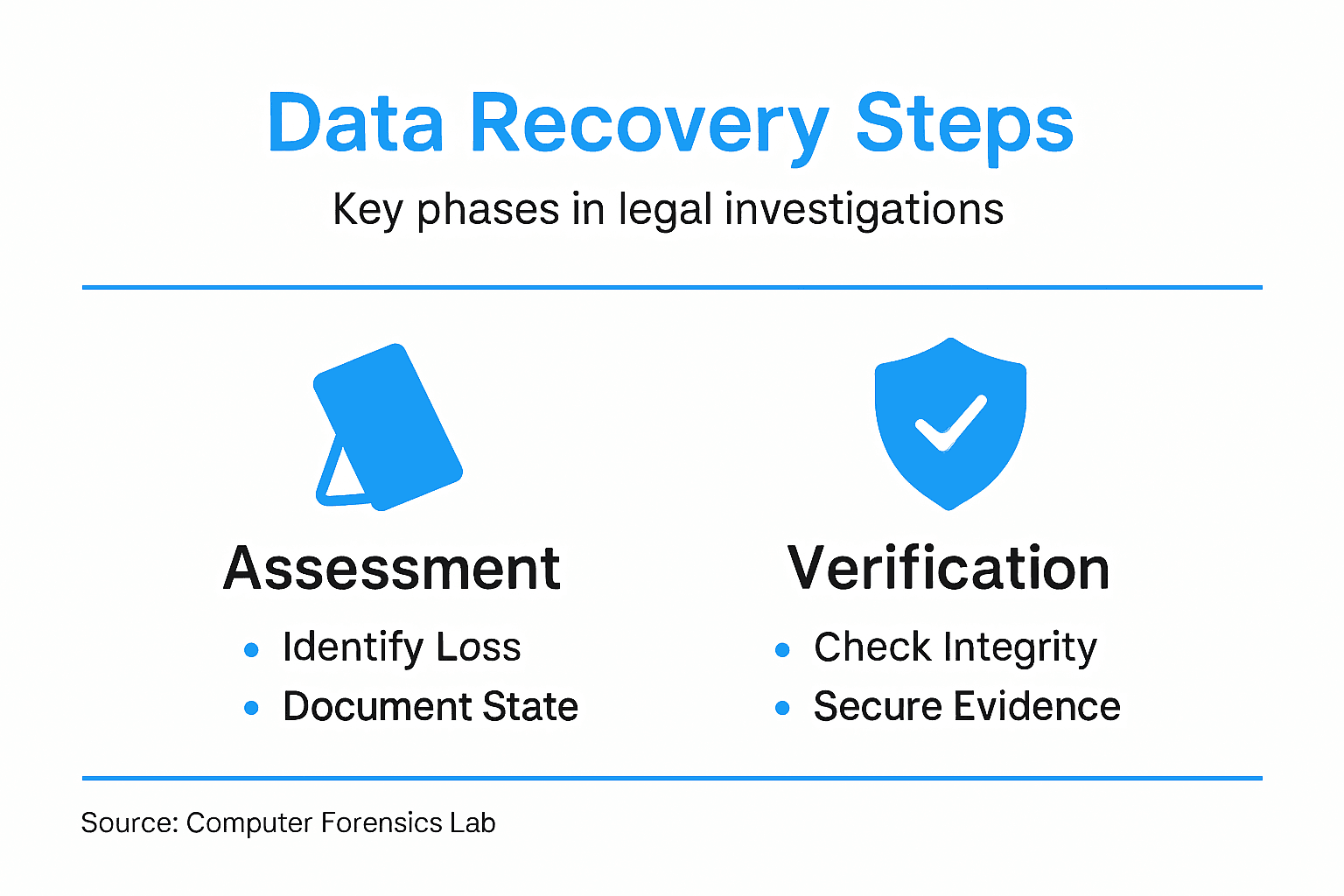
Start by understanding what tool categories exist for your investigation. You need forensic imaging software to create exact copies of storage media, carving tools to recover deleted files by signature recognition, and analysis platforms to examine recovered data. Each serves a distinct purpose in the recovery workflow.
Choose tools that meet legal standards for your jurisdiction. Many UK courts expect tools that are widely recognised, regularly validated, and capable of generating comprehensive audit trails. Avoid obscure or untested applications that opposing counsel can easily challenge in court.
When deploying recovery tools, follow these critical steps:
- Always work from forensic images, never original devices
- Document every tool used, including version numbers
- Record all parameters and settings before processing begins
- Enable logging and audit trail generation
- Verify results using independent tools when possible
Understanding advanced technologies in forensic investigations and data analytics reveals how AI-driven analysis accelerates evidence processing. Modern tools automate complex recovery tasks whilst maintaining the documentation standards courts require.
Consider tool capabilities carefully. Some applications excel at recovering photographs from flash memory, whilst others specialise in reconstructing email from fragmented hard drives. Your data type should drive tool selection, not the reverse.
Always validate tool outputs independently. If one application recovers a critical file, run a second tool to confirm the findings. This redundancy strengthens your evidence and demonstrates thoroughness during expert testimony.
Using validated, documented tools with comprehensive audit trails transforms recovered data from questionable to credible evidence.
Keep detailed records of tool performance throughout recovery. Note processing times, file recovery counts, and any errors or warnings the software generates. These metrics prove your methodology was rigorous and systematic.
Pro tip: Test your recovery tools annually against standard datasets to confirm they still perform reliably—tools can degrade after operating system updates, and courts take note of outdated methodologies.
Step 4: Verify and Secure Recovered Data
Recovered data means nothing if it cannot withstand legal scrutiny. Verification and secure storage transform raw recovered files into admissible evidence. This step requires meticulous documentation and protection against any claim of tampering or alteration.
Begin by verifying data integrity immediately after recovery. Calculate cryptographic hashes (MD5, SHA-256) of all recovered files and document these values. These hashes serve as digital fingerprints proving the data has not been modified since recovery.

Compare recovered files against known standards and sources. If you recovered email, verify sender addresses and timestamps against server logs. If you recovered documents, check metadata against original creation dates. Cross-referencing strengthens credibility during expert testimony.
Validate recovered data using these methods:
- Calculate and record hash values for all recovered items
- Verify file signatures match expected formats
- Check metadata consistency and timestamps
- Compare against independent sources when available
- Document any anomalies or concerns discovered
Ensuring data authenticity and integrity through rigorous verification processes protects your investigation from defence challenges. Secure storage practices and comprehensive documentation maintain evidence admissibility throughout the investigation lifecycle.
Now secure recovered data physically and digitally. Store devices in locked, climate-controlled facilities with restricted access. Maintain detailed visitor logs and document every person who handled evidence. This chain of custody documentation proves nobody could have tampered with recovered data.
Store digital copies on write-protected media in multiple locations. Never store recovered data on devices connected to networks or the internet. Create offline backups and keep them separate from your primary evidence storage.
Document everything meticulously. Record storage locations, access permissions, environmental conditions, and anyone who touched the evidence. Courts expect comprehensive records proving evidence remained unaltered from recovery through trial.
Proper verification and secure storage transform recovered data from suspect material into credible, admissible evidence that survives cross-examination.
Implement access controls restricting who can retrieve or view recovered data. Authorisation logs prove only legitimate personnel accessed evidence. This protection demonstrates your investigation maintained professional standards throughout.
Pro tip: Create a verification report documenting every test performed on recovered data—hash values, cross-references, metadata checks—before securing it; this report becomes your strongest defence against allegations of improper handling.
Secure Your Legal Investigation with Expert Data Recovery Support
Recovering deleted data for legal investigations involves complex challenges such as maintaining chain of custody, ensuring data integrity, and navigating the technical intricacies of forensic recovery tools. If you are facing the pressure of demonstrating admissible evidence while preventing evidence contamination, you need a partner who understands these demands and delivers trusted results.
At Computer Forensics Lab, we specialise in professional digital forensics services designed to support your legal and investigative goals. Our expert team handles everything from secure data recovery and forensic imaging to detailed evidence verification. We emphasise strict adherence to legal protocols and provide comprehensive documentation to withstand courtroom scrutiny. Don’t let the risk of compromised or incomplete evidence derail your case. Learn more about our approach to digital evidence collection and ensure your investigation benefits from advanced forensic expertise today.
Contact us now to discuss your unique situation and secure evidence you can rely on throughout litigation or criminal investigations.
Frequently Asked Questions
What should I do first after discovering data loss for a legal investigation?
Start by assessing the data loss scenario. Document the type of loss, identify affected systems, and understand the legal implications to inform your recovery strategy.
How can I establish a chain of custody for recovered data?
Maintain a detailed log of who accessed the evidence, when, and what actions were taken. Photograph the state of devices before making any changes to ensure a clear record for legal scrutiny.
What types of advanced recovery tools should I use in a forensic investigation?
Utilise tools that include forensic imaging software, carving tools, and analysis platforms. Ensure they meet legal standards and generate comprehensive audit trails to enhance the credibility of your recovered evidence.
How do I verify the integrity of recovered data?
Calculate cryptographic hashes for all recovered files immediately after recovery. This verification process ensures that the data has not been altered and can withstand legal challenges.
What are the best practices for securing recovered data?
Store recovered data in locked, climate-controlled facilities with restricted access. Maintain detailed logs of all individuals who handle the evidence to safeguard its integrity throughout the investigation lifecycle.
How do I prepare a forensic recovery environment?
Designate a dedicated forensic workspace that isolates recovered data from potential contamination. Establish evidence handling procedures and ensure that only authorised personnel with appropriate training access the environment.