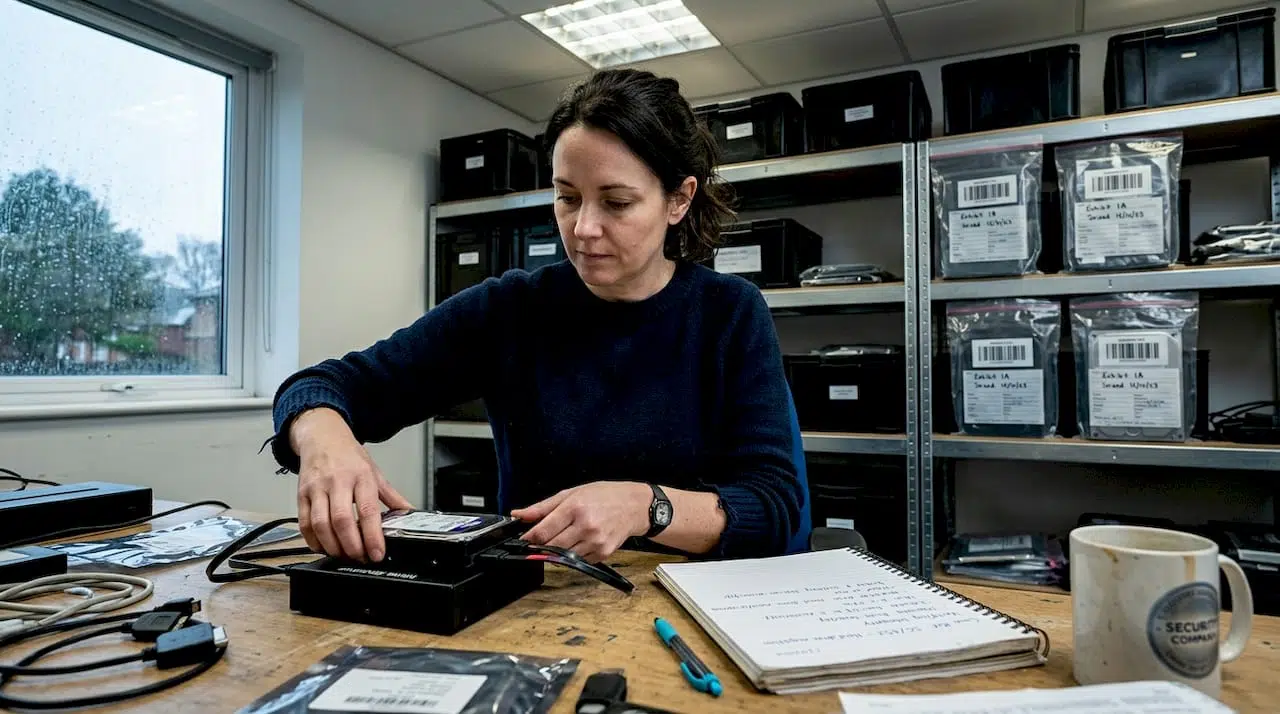
A single procedural misstep during forensic imaging can render critical digital evidence inadmissible in court, collapsing a case that took months to build. For legal and corporate professionals in the UK, the stakes could not be higher. Whether you are managing an employee misconduct investigation, a data breach, or complex litigation, the integrity of your digital evidence depends entirely on how it is acquired and preserved. This guide walks you through every stage of the forensic imaging process, from preparation and tool selection through to verification and documentation, so you can approach each investigation with confidence and legal rigour.
Table of Contents
- Understanding forensic imaging and its legal context
- What you need for forensic imaging
- Step-by-step forensic imaging process
- Common mistakes and how to avoid them
- Verifying and documenting your forensic image
- Specialised forensic imaging support for legal teams
- Frequently asked questions
Key Takeaways
| Point | Details |
|---|---|
| Preparation is key | Get all tools, legal authorisations, and checklists ready before starting forensic imaging. |
| Follow step-by-step process | Adhere strictly to each forensic imaging step to maintain evidence integrity and legal defensibility. |
| Verify and document thoroughly | Validate forensic images with checksums and keep detailed records for courtroom scrutiny. |
| Avoid common pitfalls | Missteps such as incomplete documentation or lost chain of custody can render evidence unusable in court. |
Understanding forensic imaging and its legal context
Forensic imaging is the process of creating a precise, bit-for-bit copy of a digital storage device, capturing every sector including deleted files, unallocated space, and file system metadata. Unlike a standard file copy, a forensic image preserves the complete state of a device at a specific point in time. This distinction is fundamental in legal proceedings, where opposing counsel will scrutinise every aspect of how evidence was obtained.
In the UK, digital evidence must satisfy the standards set out by the Association of Chief Police Officers (ACPO) guidelines, the Civil Evidence Act 1995, and the Police and Criminal Evidence Act 1984. These frameworks demand that evidence be authentic, reliable, and obtained without alteration. Forensic imaging processes must comply with legal protocols to ensure admissibility of evidence, and any deviation can be exploited by the defence.
Key legal requirements for forensic imaging in the UK include:
- Chain of custody: Every person who handles the evidence must be logged, with timestamps and reasons for access.
- Non-alteration: The original device must not be modified during or after imaging.
- Reproducibility: The process must be repeatable and yield identical results.
- Documentation: All actions taken must be recorded in a contemporaneous log.
Real cases have demonstrated the consequences of poor practice. In several UK employment tribunal proceedings, digital evidence was excluded because imaging was performed without write-blockers or proper chain of custody records. Understanding forensic acquisition principles in the UK legal context is not optional; it is a prerequisite for any professional involved in digital investigations.
Important: Forensic imaging is not simply a technical task. It is a legal procedure. Treat it accordingly from the first moment you engage with a device.
What you need for forensic imaging
Proper preparation separates a defensible forensic image from one that will be challenged in court. Proper preparation and tool selection are essential for legally defensible forensic imaging, and cutting corners at this stage creates vulnerabilities that cannot be corrected later.
Here is what you need before you begin:
- Hardware write-blocker: Prevents any write commands from reaching the source device, preserving its original state.
- Source device: The original storage media under investigation.
- Destination drive: A forensically clean drive with sufficient capacity, typically at least twice the size of the source.
- Forensic workstation: A dedicated machine running validated forensic software.
- Tamper-evident packaging: For sealing and labelling the original device before and after imaging.
| Tool | Purpose | Compliance note |
|---|---|---|
| Hardware write-blocker | Prevents source alteration | Required for ACPO compliance |
| FTK Imager or EnCase | Creates verified forensic images | Industry-standard, court-accepted |
| Hash verification software | Validates image integrity via MD5/SHA-256 | Essential for admissibility |
| Chain of custody forms | Documents evidence handling | Legally mandatory in UK proceedings |
| Forensically clean destination drive | Stores the acquired image | Must be wiped and verified before use |
On the personnel side, ensure that the individual conducting the imaging holds relevant qualifications or can demonstrate competency. Written authorisation to access the device is equally critical, particularly in corporate investigations where employment contracts and data protection obligations under the UK GDPR apply. Reviewing required forensic imaging tools and understanding digital evidence preservation standards will help you build a compliant toolkit.
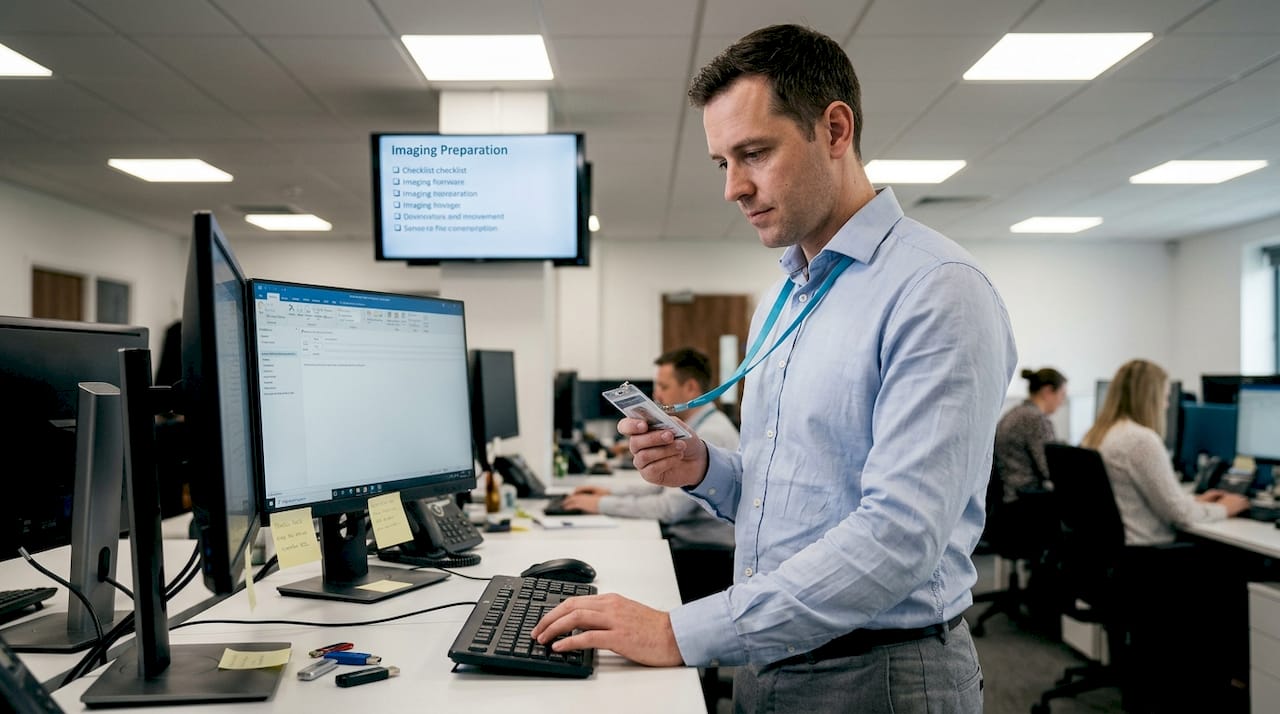
Pro Tip: Always test your write-blocker and imaging software on a non-evidential drive before beginning any live investigation. A tool failure discovered mid-imaging can compromise the entire process and may require you to justify the interruption in court.
Step-by-step forensic imaging process
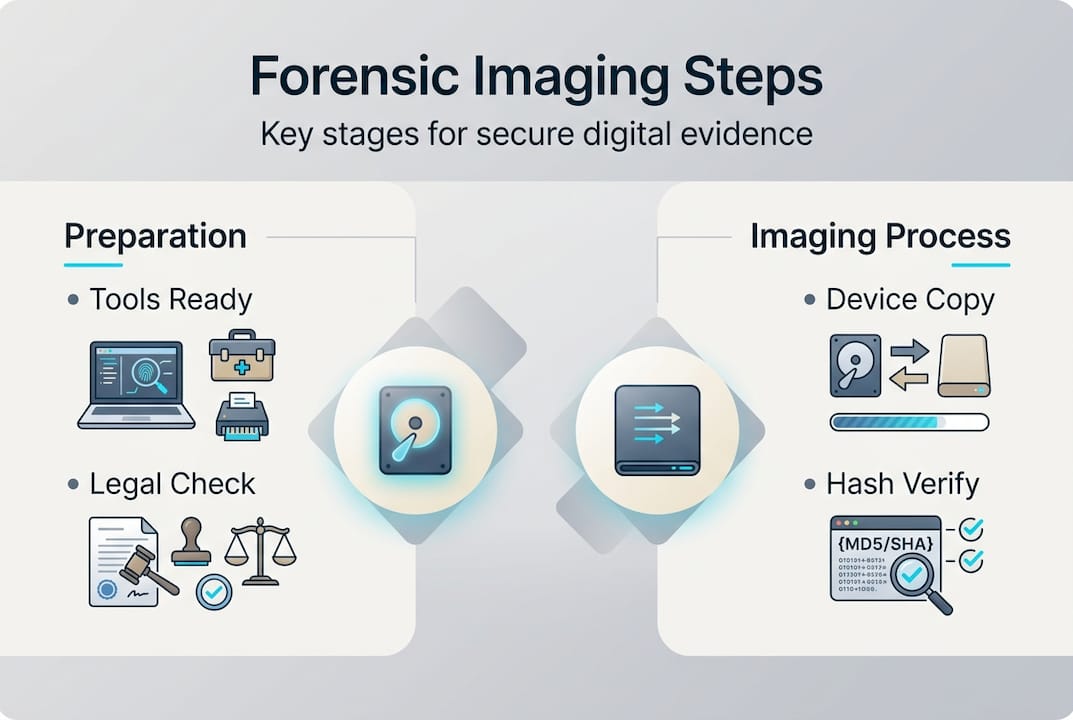
With all prerequisites in place, follow these detailed steps to create a defensible forensic image for litigation or investigation. Each forensic imaging step plays a vital role in maintaining integrity and evidence chain of custody.
- Preparation and scene documentation: Photograph the device in situ before touching it. Record the make, model, serial number, and any visible damage. Note the time, date, and location.
- Device identification: Confirm the storage capacity, interface type (SATA, NVMe, USB), and file system. This determines which imaging method and tools are appropriate.
- Chain of custody initiation: Complete a chain of custody form before the device is moved or connected to any equipment. Every subsequent action must be logged against this record.
- Write-blocker connection: Connect the source device to the forensic workstation via a validated hardware write-blocker. Never connect a source device directly without one.
- Pre-image hash generation: Calculate and record the hash value (MD5 and SHA-256) of the source device before imaging begins. This is your baseline integrity check.
- Imaging: Use validated software such as FTK Imager or EnCase to create a sector-by-sector image. Select the appropriate format, typically E01 or raw DD, depending on your case requirements.
- Post-image hash verification: Once imaging is complete, recalculate the hash of both the source and the acquired image. They must match exactly.
- Documentation and sealing: Complete all logs, sign the chain of custody form, and seal the original device in tamper-evident packaging. Store the image on a secure, access-controlled system.
| Approach | Speed | Control | Documentation burden | Best suited for |
|---|---|---|---|---|
| Manual imaging | Slower | High granular control | Extensive | Complex or contested cases |
| Automated imaging | Faster | Moderate | Streamlined | High-volume or time-critical cases |
For guidance on methods for evidence preservation and detailed forensic acquisition steps, reviewing established protocols will reinforce your workflow. You should also consult evidence preservation methods to ensure your approach aligns with current best practice.
Pro Tip: Always hash before and after imaging, not just at the end. If a discrepancy arises, having both hash values allows you to demonstrate exactly where the integrity was maintained and where a potential issue occurred.
Warning: Skipping any step in this process, even one that seems minor, creates a gap in your evidence trail. Defence teams are trained to identify these gaps and will use them to challenge admissibility.
Common mistakes and how to avoid them
Having mastered the step-by-step process, be aware of these pitfalls. Some can irreparably harm an investigation, and several are surprisingly common even among experienced practitioners.
Inadequate documentation and improper use of forensic tools are leading causes of inadmissible digital evidence. Here are the most frequent errors and how to address them:
- Broken chain of custody: Failing to log every person who accesses the evidence, even briefly, creates an exploitable gap. Use a formal chain of custody form from the outset and never allow informal handling.
- Skipping device verification: Assuming a device is what it appears to be without confirming its specifications can lead to incomplete imaging. Always verify storage capacity and interface type before proceeding.
- Omitting write-blockers: Connecting a source device directly to a workstation, even momentarily, risks writing data to it. This is one of the most common and damaging errors in corporate investigations.
- Incomplete or retrospective documentation: Writing up notes after the fact introduces inconsistencies. All logs must be contemporaneous, meaning recorded at the time each action is taken.
- Using unvalidated tools: Software that has not been tested and validated for forensic use may alter data or produce unreliable images. Stick to industry-standard tools with documented validation records.
Reviewing a structured evidence preservation checklist before each investigation provides a practical safeguard against these errors.
Note: In UK employment and civil litigation, even minor procedural irregularities in evidence collection have led to adverse cost orders against the party responsible. The financial and reputational consequences extend well beyond the immediate case.
Verifying and documenting your forensic image
As the imaging process concludes, solidify your work with robust verification and watertight documentation to ensure legal scrutiny is met. Image verification and rigorous documentation are essential for digital evidence to stand up in court.
Follow these steps to verify and document your forensic image correctly:
- Hash comparison: Compare the MD5 and SHA-256 hash values of the source device and the acquired image. An exact match confirms that no data was altered during the imaging process.
- Spot-check file integrity: Open a sample of files within the forensic image using your imaging software to confirm that data is readable and structurally intact.
- Quality assurance review: Have a second qualified examiner review the imaging log and hash values independently. This peer review step is increasingly expected in UK court proceedings.
- Report compilation: Produce a formal imaging report that includes the device details, tools used, hash values, timestamps, personnel involved, and any anomalies encountered.
- Secure storage: Store the forensic image on an encrypted, access-controlled system. Maintain an access log recording every instance the image is opened or transferred.
Research into UK court proceedings indicates that documentation faults, including missing signatures, unsigned chain of custody forms, and absent hash records, contribute to evidence exclusion in a significant proportion of contested digital evidence cases. Understanding the role of digital forensics in litigation and how forensics affects litigation outcomes underscores why this final stage deserves as much attention as the imaging itself.
Report templates should include sections for: device identification, imaging environment, tool validation records, hash values (pre and post), chain of custody signatures, and a declaration of integrity signed by the examiner. Standardising your documentation format across all investigations reduces the risk of omissions and makes your reports easier for legal teams to review and rely upon.
Specialised forensic imaging support for legal teams
For circumstances demanding additional expertise, professional forensic support can be decisive in securing a favourable legal outcome. Complex investigations, those involving encrypted devices, cloud-based evidence, or multiple custodians, often exceed the capacity of in-house teams, regardless of their competence. The margin for error in high-stakes litigation is simply too narrow.
At Computer Forensics Lab, we work directly with solicitors, barristers, and corporate legal teams across the UK to provide forensic imaging support that is fully compliant with UK legal standards. Our services include on-site evidence acquisition, rapid response for time-sensitive matters, and expert witness reporting. We understand that digital forensics data is only as valuable as the process used to collect it, which is why every engagement follows a documented, court-ready methodology. Explore our professional forensics services or learn more about how we approach digital forensic investigations to see how we can support your next case.
Frequently asked questions
Why is forensic imaging essential for digital evidence collection?
Forensic imaging ensures that a complete and unaltered copy of digital evidence is secured, which is crucial for admissibility and integrity in UK legal cases. Without it, there is no reliable baseline to demonstrate that evidence has not been tampered with.
What happens if the chain of custody is broken during forensic imaging?
If the chain of custody is broken, evidence may be ruled inadmissible in court, potentially undermining the entire legal case. Each imaging step must be logged precisely to prevent this outcome.
Can companies perform forensic imaging in-house, or must they use external experts?
Companies can perform basic imaging in-house with proper tools and training, but complex or sensitive cases should involve qualified external forensic experts. Proper tool selection and validated procedures are non-negotiable regardless of who conducts the work.
What are the main differences between manual and automated forensic imaging?
Manual imaging offers more granular control and is better suited to contested or complex cases, while automated tools are faster and more practical for high-volume work. Both imaging approaches require strict adherence to compliance and documentation protocols to produce court-ready evidence.