
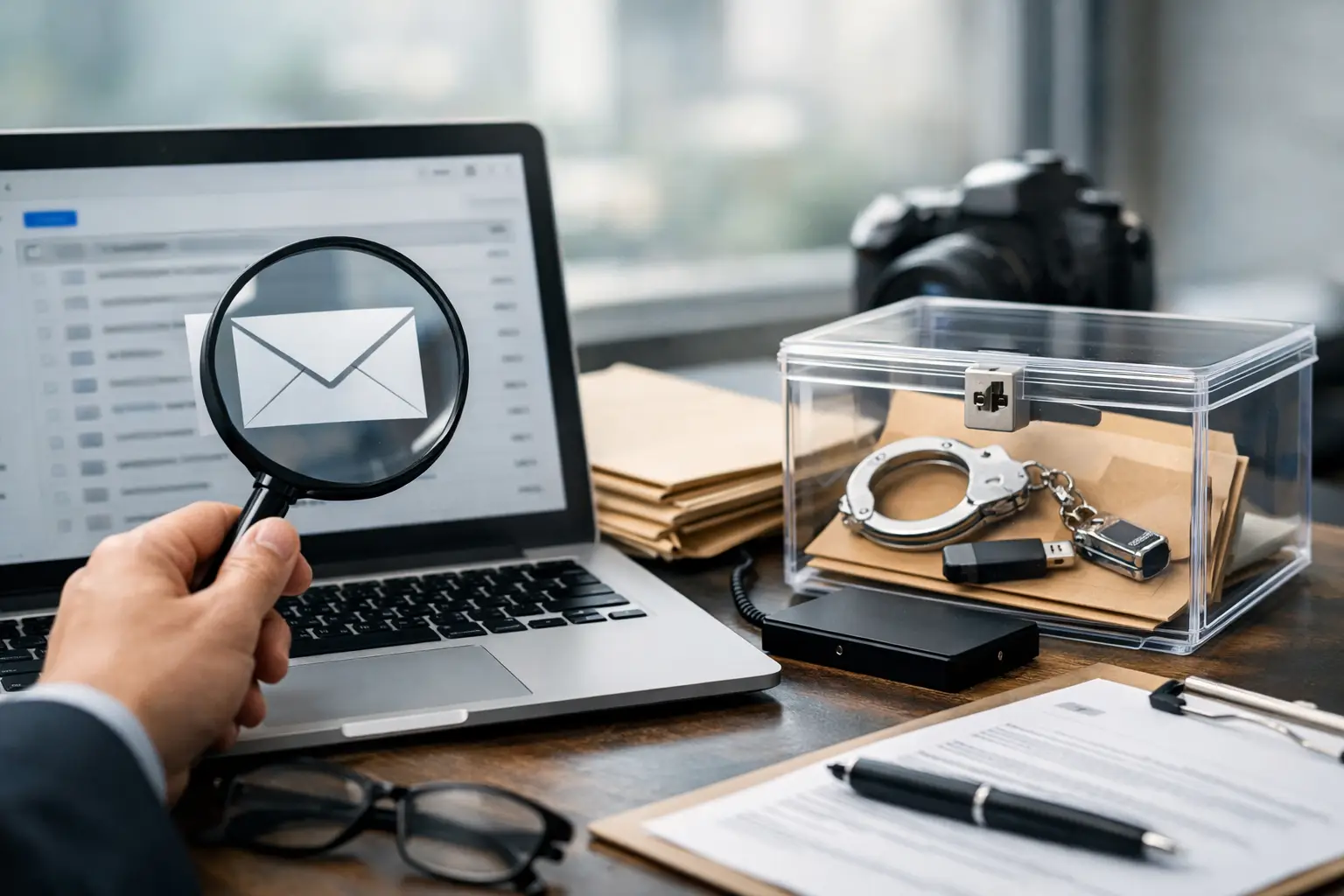
An employee leaves the business on Friday, and by Monday the mailbox has been wiped, devices reassigned, and the IT team has already “tidied up” the account. That is how valuable evidence disappears. This email evidence preservation guide is written for solicitors, businesses, and private clients who need email material preserved properly before a dispute hardens, a claim is issued, or allegations are made harder to prove.
Email evidence often looks simple from the outside. A message exists, or it does not. In practice, the evidential picture is far more delicate. A single email may carry routing data, folder history, timestamps, attachment references, mailbox relationships, and contextual material that can support or undermine a case. If preservation is handled casually, you may keep the visible text while losing the metadata and surrounding context that make the evidence persuasive.
Why an email evidence preservation guide matters
In civil disputes, employment matters, regulatory issues, fraud investigations, and criminal proceedings, email evidence is frequently central because it captures decision-making, knowledge, intent, and chronology. It may show who was warned, who approved a transaction, who sent confidential material, or whether an account was accessed in unusual circumstances.
The difficulty is that email systems are dynamic. Retention policies may delete messages automatically. Users can alter folder structures, remove items, or access accounts from multiple devices. Cloud platforms synchronise changes quickly, which means a deletion on one endpoint may affect the wider account. Backups may exist, but not in a form that preserves evidential integrity or that can be searched and explained properly in court.
Preservation, then, is not the same as ordinary IT archiving. Archiving is usually a business continuity exercise. Preservation is an evidential exercise. The goal is to protect relevant material in a manner that can later be accounted for, examined, and if necessary presented in a defensible report.
First actions when email evidence may be relevant
The earliest decisions often matter most. If email evidence may become relevant to litigation, an internal investigation, or a police matter, avoid allowing routine administrative processes to change the data before its position is understood.
Start by identifying the likely custodians, accounts, devices, and systems involved. That includes obvious business mailboxes, but also shared inboxes, aliases, former employee accounts, archived mail stores, linked mobile phones, laptops, tablets, and any third-party hosted email environment. If the issue concerns misuse, exfiltration, or impersonation, you may also need to consider forwarding rules, mailbox delegation, sign-in history, and linked cloud records.
At that point, preservation instructions should be clear and proportionate. Suspend deletion where possible. Prevent account closure if a mailbox is likely to hold relevant material. Record who made the decision, when it was made, and what systems were affected. If a business simply asks IT to “keep the emails”, that may sound sensible but still leave room for alteration, selective export, or loss of metadata.
What should actually be preserved
A defensible approach usually goes beyond a handful of printed emails or PDF exports. The relevant material may include full mailbox content, server-side records, attachments, deleted items, calendar entries, contacts, mailbox rules, audit logs, and device-level artefacts showing account access or message interaction.
This is where cases often become fact-specific. If the dispute concerns a narrow contractual exchange, a targeted preservation exercise may be proportionate. If the allegation involves insider theft, covert communication, or account compromise, a broader capture may be required to preserve hidden context and technical indicators. Over-collection can increase cost and review burden, but under-collection can be fatal if key context is omitted.
Preserving email also means preserving provenance. You need to know where the material came from, how it was collected, whether the source was live or static, whether any filtering took place, and who handled it at each stage.
Email evidence preservation guide for legal defensibility
For email evidence to carry weight, the process matters nearly as much as the content. Courts and opposing parties may test authenticity, continuity, completeness, and handling. If there is no reliable record of acquisition and storage, arguments about tampering, incompleteness, or contamination become easier to raise.
A proper forensic workflow addresses those risks. The source account or device is identified. The acquisition method is documented. Hash values or other verification methods may be used where appropriate to demonstrate integrity of collected data. Access to preserved material is controlled and logged. Any subsequent review, filtering, or analysis is kept separate from the original preserved set.
Chain of custody is not mere formality. It is the record that shows who had the evidence, when, why, and in what condition. In urgent internal matters, organisations sometimes shortcut this because they trust their own staff. That can create difficulties later if the matter escalates into litigation or criminal scrutiny. A technically skilled but non-forensic collection may recover data, yet still leave questions a court or opponent will exploit.
Common mistakes that weaken email evidence
The most frequent error is allowing users or internal teams to self-select relevant messages. That may miss deleted items, fail to capture metadata, and create allegations of bias. It also tends to strip away surrounding context, which is often where the evidential value sits.
Another common mistake is relying on screenshots or printed copies. These can be useful as working references, but they are usually poor substitutes for preserving the underlying email data. Screenshots rarely capture full headers, transmission paths, or hidden technical detail. They also make independent verification more difficult.
A third problem is delay. Organisations often wait until a grievance becomes a tribunal matter, or until a fraud issue becomes a formal claim, before taking preservation seriously. By then, routine system changes, account deprovisioning, retention expiry, and device replacement may already have destroyed relevant material.
There is also a recurring misunderstanding around backups. A backup is not automatically a forensic record. It may be incomplete, difficult to restore, overwritten on rotation, or incapable of showing the original mailbox state clearly enough for evidential purposes.
When specialist forensic input is needed
Not every matter needs a full-scale forensic examination from the outset, but many email disputes benefit from early specialist input. That is especially true where there are allegations of deletion, manipulation, spoofing, unauthorised access, selective disclosure, or hidden forwarding.
A forensic specialist can advise on scope before evidence is disturbed, preserve data using defensible methods, and identify related sources that a standard IT export would miss. In contentious matters, that independence also matters. Evidence gathered by an impartial forensic practitioner is often easier to explain and defend than evidence collected by an interested party with no documented methodology.
For legal teams, early instruction can also help frame disclosure strategy, preserve proportionality, and avoid avoidable later disputes about authenticity and completeness. For businesses, it can stop well-meaning internal actions from damaging evidence. For private clients, it can mean the difference between a usable digital record and a disputed set of printouts.
How this applies in real disputes
In employment cases, relevant email evidence may include warnings, internal complaints, management discussions, policy circulation, and account activity around departure dates. In shareholder and commercial disputes, the key issue may be negotiation history, concealed side communications, or who knew what at a particular point in time.
In cyber and fraud matters, the focus often shifts from message content to technical indicators. Was a mailbox accessed by someone else? Were rules created to divert messages? Did attachments leave the business? Was an email genuinely sent from the stated account, or was it spoofed? Preservation must be broad enough to keep those questions answerable.
In matrimonial and private disputes, caution is particularly important. Accessing another person’s account without lawful authority can create serious legal difficulties of its own. The need for evidence does not remove legal limits. Advice should be taken before any collection is attempted.
A practical standard for preserving email evidence
If you suspect email material may become relevant, treat the mailbox and related devices as potential evidence, not just business records. Identify the sources. Pause routine deletion where justified. Preserve the material in its native or forensically collected form where possible. Record every step. Restrict access. Avoid user-led selection. Keep review copies separate from the preserved source set.
That approach is disciplined rather than dramatic, but it is what keeps evidence usable when the other side starts asking difficult questions. Computer Forensics Lab regularly sees matters where the real problem is not the absence of evidence, but the fact it was handled too casually to withstand scrutiny.
Good preservation does not guarantee a winning case. Facts still matter, and email rarely tells the whole story on its own. What it does do is protect the integrity of the record so that arguments can be tested on evidence rather than guesswork. When the stakes are high, that is where sound forensic procedure earns its value.
The best time to preserve email evidence is before anyone thinks to clean up the account.