
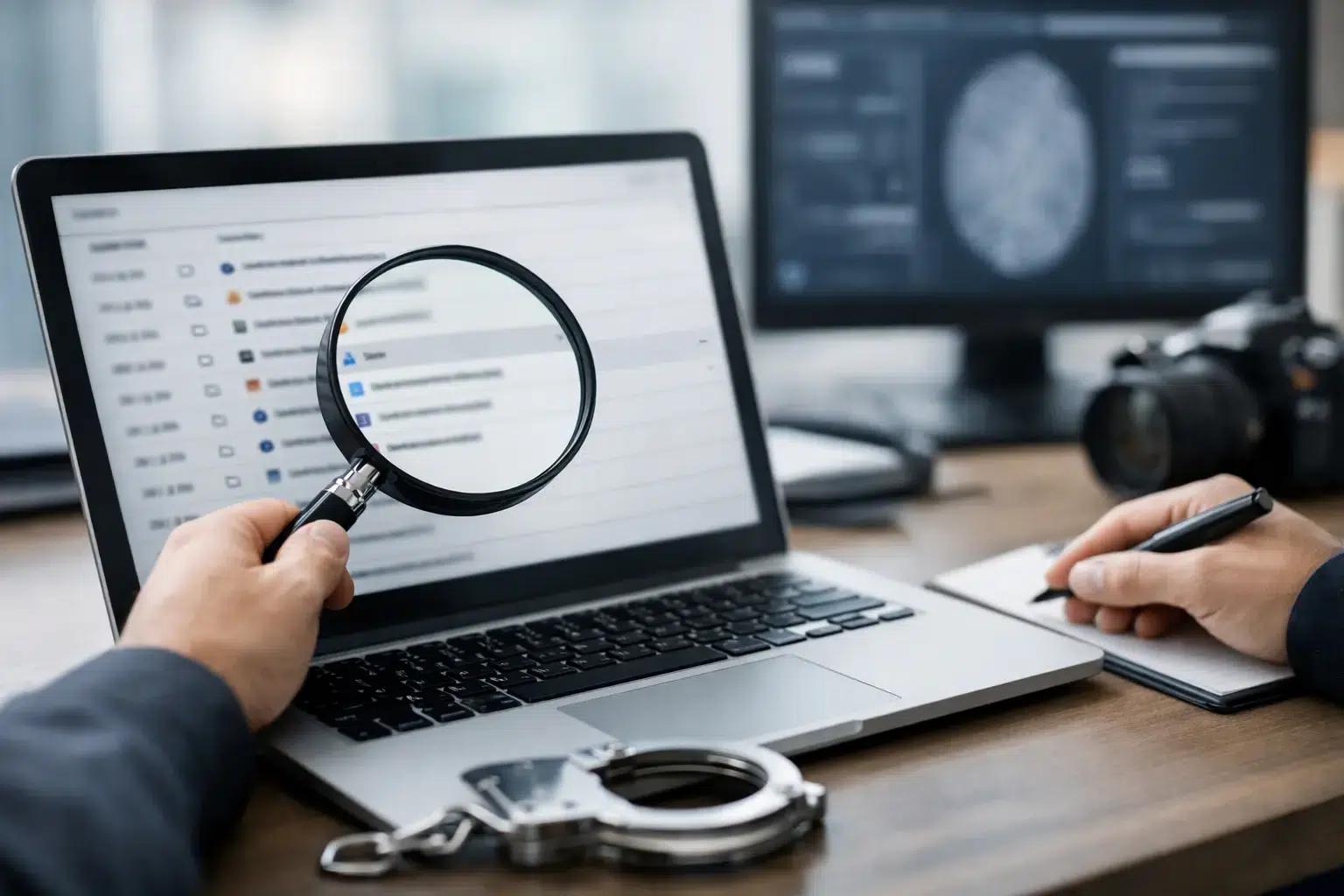
A browser record can appear deceptively simple: a website address, a page title and a time. In a disputed matter, however, browser history evidence is rarely as straightforward as a list of sites someone has visited. It may support an account of planning, knowledge, intent, research, communication or access to a particular online service. It may also be incomplete, misleading or attributable to something other than deliberate human activity.
For solicitors, investigators and organisations, the question is not merely whether a URL can be recovered. The question is whether the underlying artefacts can be preserved, interpreted and presented in a way that withstands scrutiny.
What browser history evidence can establish
Web browsers retain data for operational reasons. Chrome, Edge, Firefox, Safari and other browsers may record visited URLs, page titles, visit counts, download activity, searches, cookies, cached files, session information and synchronisation data. The precise records available depend on the browser, device, operating system, user settings and subsequent activity.
In the right context, these artefacts can help establish that a browser profile accessed or attempted to access a particular resource. They can place activity within a broader timeline alongside emails, messages, log-in events, document creation, USB connection records or file transfers. In a fraud, harassment, employment, family or cybercrime investigation, that context may be highly significant.
For example, records of repeated searches for a company’s confidential material, visits to personal cloud-storage services shortly before departure, and evidence of downloads or uploads may support an investigation into data exfiltration. Searches relating to a method, location or individual may be relevant in a criminal case. In a civil dispute, browser activity may assist with testing a party’s asserted knowledge or chronology.
That said, browser history usually cannot prove, on its own, that a named individual viewed, read, understood or acted upon a page. A shared computer, an unlocked device, automated pre-loading, pop-up content, browser synchronisation and malware can all affect what is recorded. A defensible opinion must distinguish between what the data demonstrates and what remains an inference.
Why browser history requires forensic interpretation
A familiar browser history screen is not a forensic report. It is a user-facing display that can be cleared, filtered, altered through synchronisation or affected by the browser’s retention rules. Screenshots taken from a live device may preserve a useful lead, but they do not usually preserve the full source data, metadata or examination process required for contested proceedings.
A forensic examiner works from acquired evidence rather than assumptions. Depending on the circumstances, this may involve creating a forensic image of a computer drive, conducting a controlled extraction of a mobile device, or preserving relevant cloud-linked data through lawful and proportionate means. The original device should be handled carefully, documented from receipt and protected from unnecessary use.
The examination may identify multiple sources that bear on web activity. Browser databases can contain visit records and downloads. Cache may retain fragments of pages or files. Cookies and authentication tokens can indicate a relationship with a service. Operating-system artefacts may show when a browser was run, which user profile was active, and whether files were opened after download. DNS records, router logs, proxy logs and cloud account records may provide further corroboration where they are available and lawfully obtained.
No single artefact should be overstated. The evidential value comes from the relationship between sources, the reliability of the timestamps, the provenance of the device and the alternative explanations considered.
Timestamps are not always a simple answer
Time is often central to a case, but browser timestamps require care. A recorded visit time may reflect a page request rather than sustained viewing. A download time does not necessarily show that a file was opened. Browser and operating-system times can be influenced by time-zone settings, clock changes and synchronised account activity.
A competent forensic examination normalises times where appropriate, identifies the time basis used and explains any limitation. This matters when activity is alleged to have occurred before a dismissal, after an injunction, during a period of unauthorised access or at a time when a party says they were elsewhere.
Synced accounts can complicate attribution
Modern browsers often synchronise history, bookmarks, passwords and open tabs between devices signed into the same account. This can be valuable: a desktop may retain evidence linked to activity initiated on a mobile phone, or vice versa. It can also create a serious attribution issue.
A history entry found on one device may have originated on another synchronised device. An examiner should therefore investigate the relevant browser profile, account use, device population and associated artefacts before drawing conclusions about where and by whom activity occurred.
Deleted browser history is not necessarily lost
Users frequently clear browsing data, use private-browsing modes or uninstall a browser in the belief that the record has gone. These actions may reduce the available evidence, but they do not guarantee its removal from every relevant location.
Deleted database entries may sometimes be recovered from unallocated space, file-system journals, backups, restore points, browser cache or other residual artefacts. Mobile devices and cloud services can also retain relevant traces. The prospects of recovery depend on the device type, encryption, operating system, storage behaviour, elapsed time and extent of later use. Solid-state storage, for instance, can make recovery more difficult due to TRIM and routine device management.
Private browsing also has limits. It is designed primarily to reduce local retention within that browser session. It does not prevent records being held by network infrastructure, online services, endpoint security tools or other devices. It also does not remove evidence of all browser execution or related file activity from the device itself.
An honest report should state both recovered findings and meaningful gaps. The absence of browser history may be consistent with deletion, private browsing, retention limits, use of another browser or device, or no relevant browsing at all. It should not be presented as proof of any one explanation without supporting evidence.
Preserving browser history evidence for a dispute
The first hours after a concern arises can determine whether evidence remains usable. Continued use of a computer or phone may overwrite deleted material, alter browser databases and create new synchronisation events. An employee’s departure, a suspected cyber incident or an allegation involving online conduct should trigger proportionate preservation action without delay.
Avoid attempting to inspect, clean or “test” the device repeatedly. Do not clear the browser, install recovery software, reset passwords, update the operating system or allow routine IT processes to reissue the device before advice is obtained. Even well-intentioned intervention can compromise recoverability or make later interpretation more difficult.
A sound preservation process records who identified the device, when it was received, its condition, serial numbers, power state and each transfer of control. This chain of custody is not paperwork for its own sake. It enables a court, tribunal or opposing expert to understand that the material examined is the same material originally secured and that it was not improperly changed.
In corporate matters, preservation must also be lawful and proportionate. Employers should consider applicable policies, the scope of authorised use, data protection obligations, confidentiality, legal privilege and the need to limit collection to material relevant to the investigation. Legal advisers can define the issues and scope before an independent forensic examination begins.
Presenting browser history evidence in a court-ready form
Technical extraction alone does not assist a court unless it is explained clearly. A useful forensic report identifies the devices and data sources examined, acquisition method, tools used, relevant artefacts, time treatment, findings and limitations. It separates factual observation from expert opinion and makes clear where conclusions rely on corroboration.
This is particularly important where browser data may be challenged. An opposing party may suggest that a URL was generated automatically, that a device was shared, that synchronisation imported the record, or that another person used the account. Those possibilities should be examined fairly rather than dismissed. Independence and transparent reasoning give digital evidence its weight.
Computer Forensics Lab can preserve, recover and analyse browser artefacts as part of a wider examination of computers, mobiles, cloud-linked accounts and network evidence. The objective is not to produce a longer history list. It is to provide a reliable account of what the available data can, and cannot, establish.
Where browser activity may matter to a claim, defence, internal investigation or criminal allegation, early specialist instruction protects more than data. It protects the ability to explain that data with precision when the facts are disputed.